Writing and Editing Yarn Scripts
The officially supported editor for writing Yarn Scripts is Microsoft’s Visual Studio Code (often abbreviated to “VS Code”, or “Code”), plus our Yarn Spinner for Visual Studio Code Extension. Visual Studio Code is a powerful, flexible, open source text editor for Windows, macOS, and Linux. It supports extensions, which allow it to perform a wide range of useful tasks. The Yarn Spinner for Visual Studio Code is one such extension.
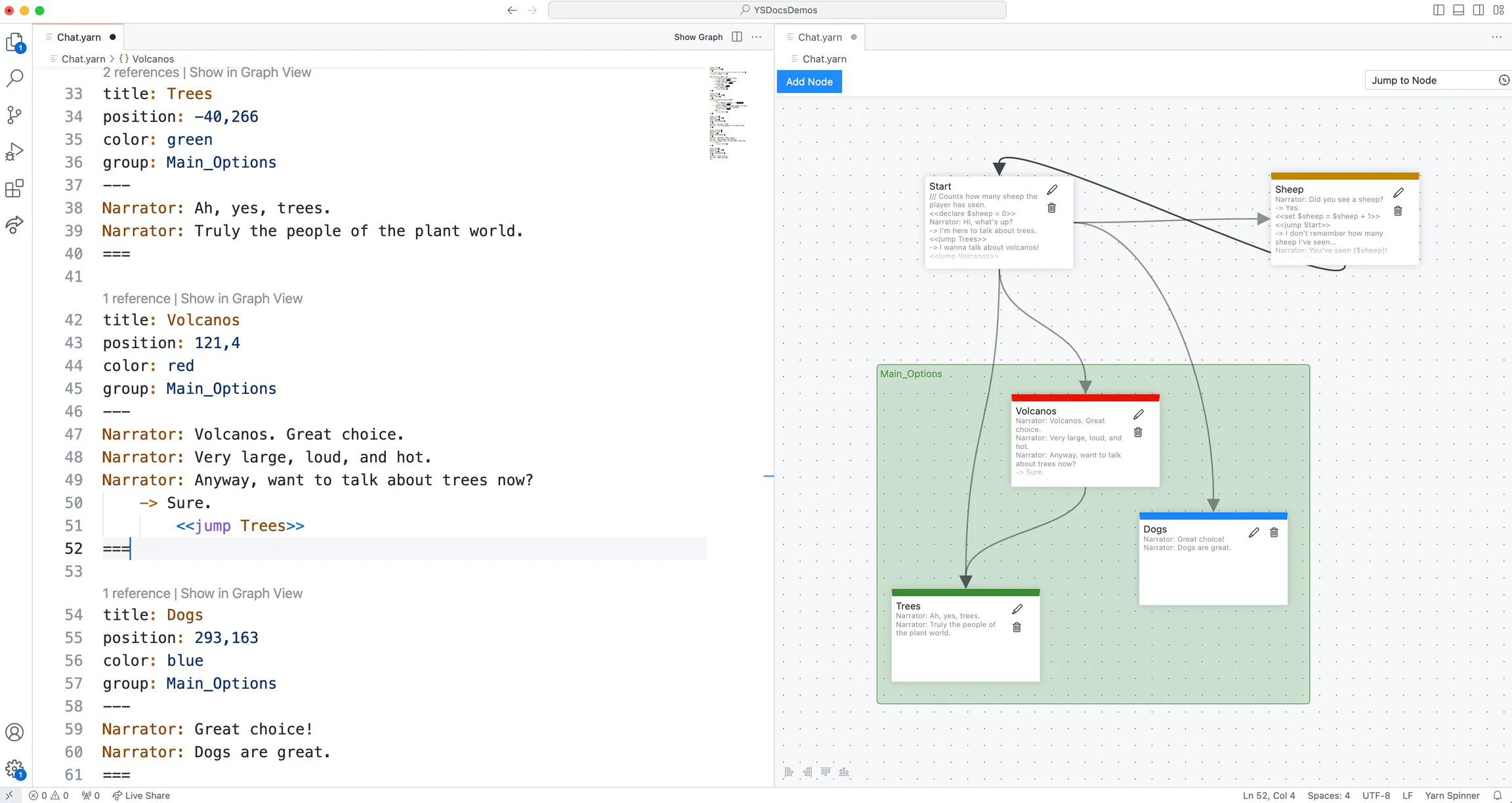
Yarn Scripts are just text files that are saved with a .yarn extension. If you have another preferred editing environment, feel free to use that. Yarn Spinner for Visual Studio Code Extension provides many useful features, including a graph view, autocomplete, syntax highlighting, and beyond, but if you prefer writing your Yarn Scripts in something else, feel free to.